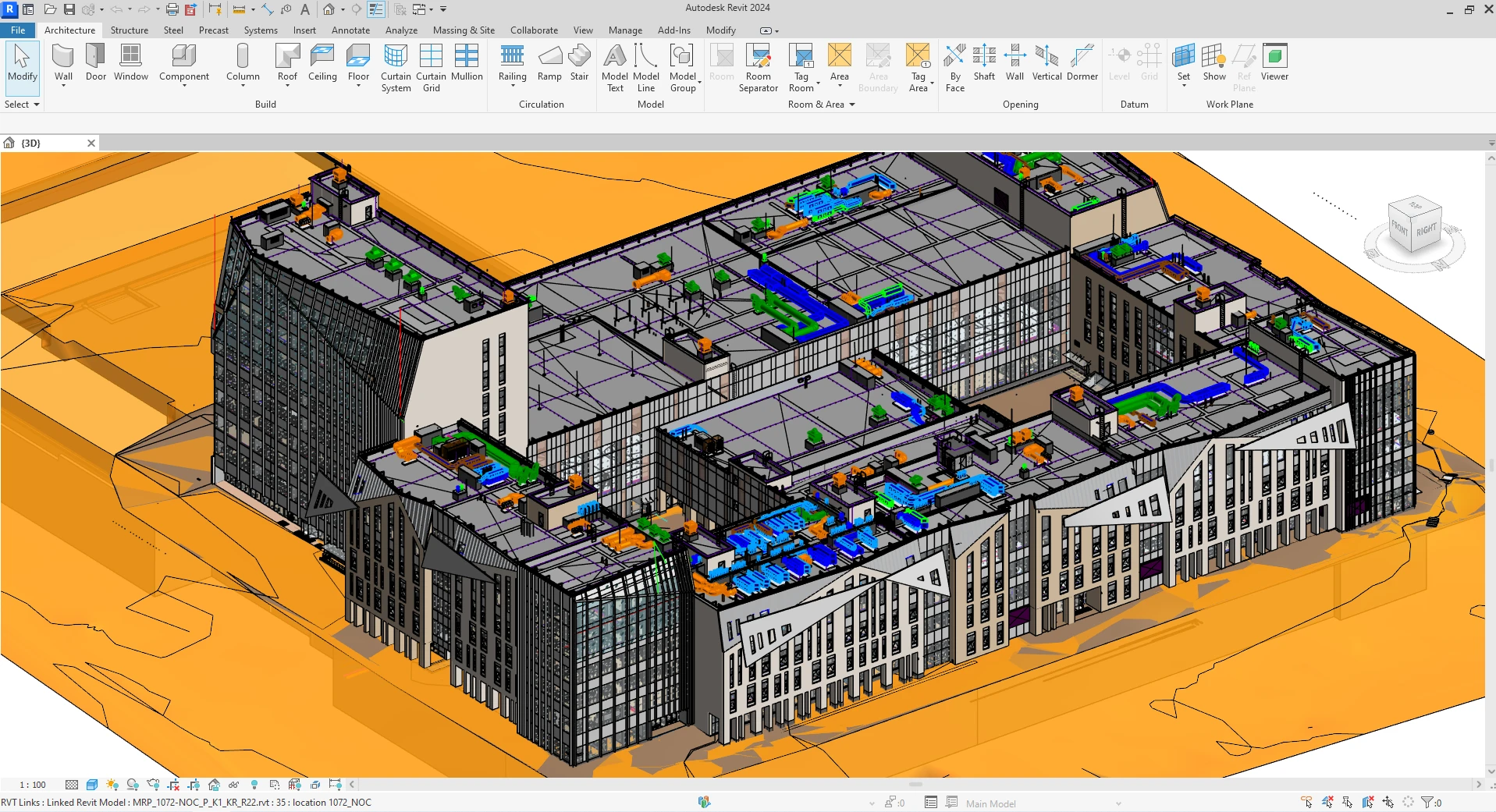
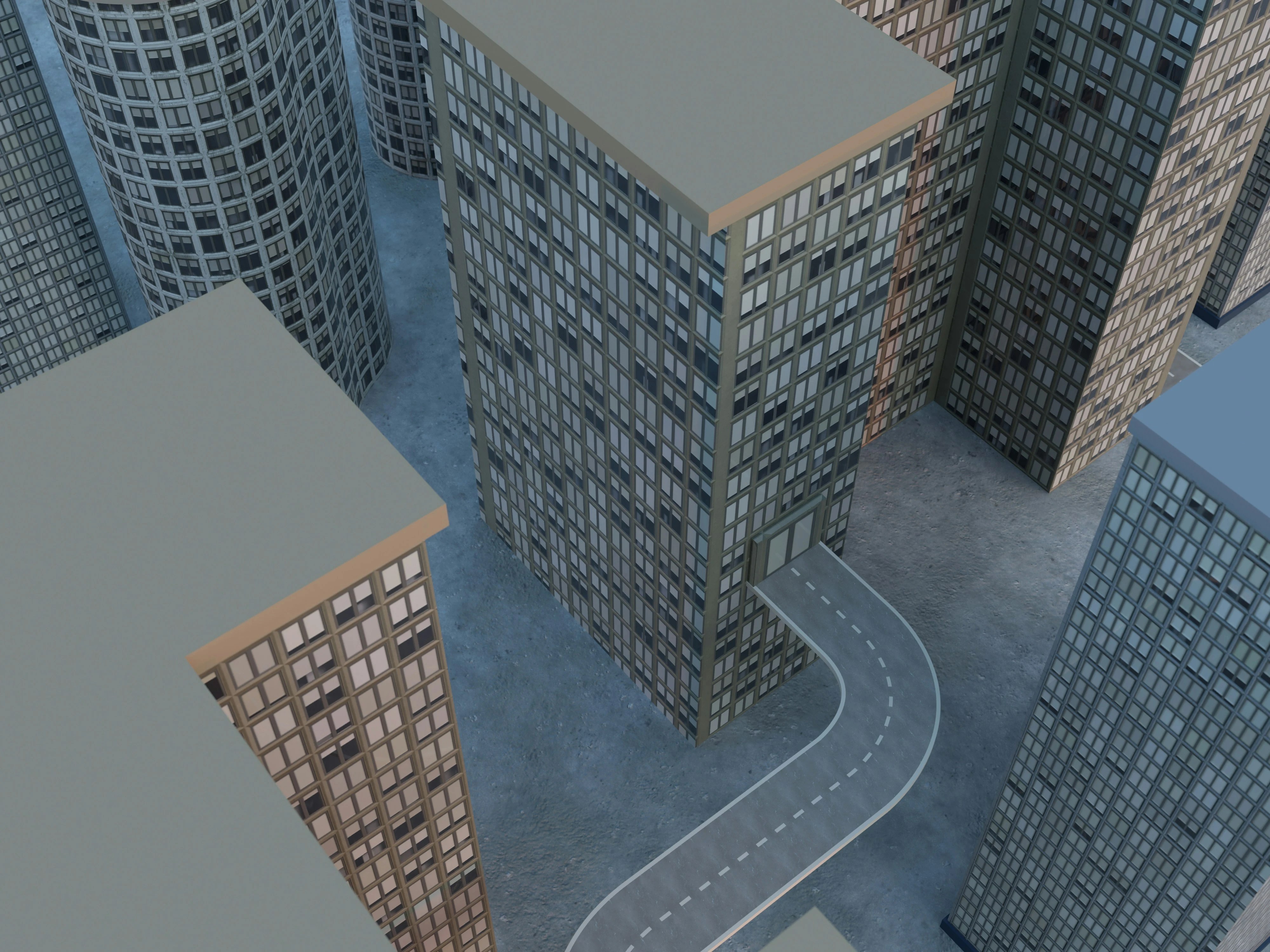
Interoperability, or the ability of different software programs to work with one another, is essential for any building information modeling (BIM) workflow to be truly interoperable. Without it, different software programs cannot exchange information and remain isolated from one another.
The International Framework for Interoperability (IFC) is a standard that supports the exchange of data among various BIM applications so that they can all work together efficiently. The IFC format can be exchanged with other software such as Revit, AutoCAD, and SketchUp etc., IFC also can store data in XML, which makes it easier for different software to read the data.
The format makes it possible for the end user to open files in different BIM programs without having to first export them as a new file type. Even if you're not working in architecture or construction, knowing the importance of IFC in open BIM will help you understand how it impacts your everyday life.
Understanding Interoperability in BIM
Interoperability is one of the most important benefits of using BIM (Building Information Modeling) for design and construction. BIM enables different software tools to share information, leading to better collaboration among team members.
Whereas, interoperable files let users work with the same data from different programs, and give them access to information from other tools at any point in the workflow.
Key Benefits of Interoperability
Interoperability increases efficiency by:
- Enabling data import/export - Stakeholders can easily import and export design data
- File sharing - Seamless sharing of files between different platforms
- Unified data sources - Using the same data source for analysis across teams
- Reduced redundancy - Eliminating the need for data re-entry
That's why interoperability is one of the main features of Open BIM, a standard that supports open BIM implementation. In this article, we will explain what IFC in Open BIM is and why it's so important for an open architecture system.
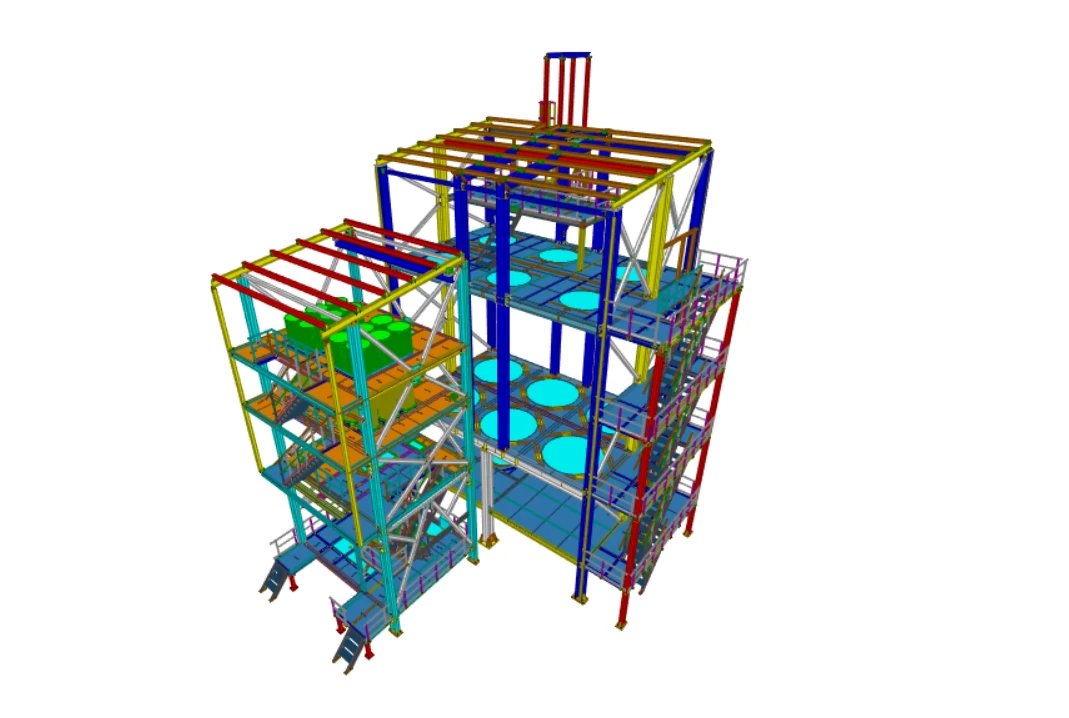
What is IFC?
IFC is a file with an open standard, which means anyone can use and develop it. It was developed in 1998, before BIM became an industry standard, as a subset of DWG by Autodesk Inc. to promote interoperability among BIM software and it has, since then, been adopted by many CAD software developers.
However, the format has been evolving to meet the needs of BIM users. The most recent version, IFC v.4, was released in 2015. It was created to reduce data interoperability issues between different software applications in BIM modeling and engineering, which makes it easier to share data between different programs.
Advantages of IFC Format
The IFC format also allows for easy translation from one BIM platform to another without having to re-create all the information from scratch. This means that:
- ✅ No need for conversion or re-entry of information
- ✅ Saves time and effort on both ends of the process
- ✅ Preserves data integrity during transfers
- ✅ Supports multiple BIM platforms simultaneously
It is a format that is used to store building information such as 3D geometry, topology, parametric data and other attributes related to the model. It also stores building components as well as their relationships with other components.
How IFC Can Be Used
IFC can be used in two different ways:
- As a standalone file format - Independent files that can be opened by any IFC-compatible software
- As an embedded object - Inside other file formats such as Revit, ArchiCAD, SketchUp or any other solution
IFC Data Structure
These IFC files are made up of XML data. This data format is a markup language used to create documents with hierarchical structures. It can be used to store data in a machine-readable way so that it can be parsed by other programs or devices.
The data in the IFC file are saved in XML form using a specific schema which can be easily read by any application that supports XML.
IFC in Commercial BIM Software
The IFC format is used in almost all commercial BIM software packages, from desktop applications to cloud-based solutions. For these tools to be fully interoperable, they must be able to read and write IFC files.
As Open BIM is built on an open architecture, it makes sense that it also adopts the IFC standard. More importantly, the Open BIM standard and IFC v.4 have been designed with interoperability in mind.
How IFC Enables Open BIM
Together, they establish the rules that BIM software applications need to follow to:
- Communicate with each other effectively
- Exchange data seamlessly
- Maintain data consistency across platforms
- Support collaborative workflows
It is a highly flexible format that supports all kinds of BIM data and can be applied in all stages of design and construction. With Open BIM, organizations can start to exchange IFC-based BIM data and expect their BIM model to be readable by other stakeholders, regardless of which tools they use.
When you use Open BIM and apply IFC v.4, you can be sure that all BIM data is exchangeable, both within and outside your organization.
Current Challenges with IFC Implementation
Despite its great potential for promoting interoperability and open architecture, current IFC implementations are not yet fully open. While the IFC v.4 standard offers an open architecture enabling full interoperability, most BIM software companies have been hesitant to adopt it fully.
What's more, only a few BIM software providers have fully implemented the latest IFC v.4 standard. While such BIM software companies are providing interoperability, it is only within their own applications.
Getting Started with IFC and Open BIM
In Open BIM, IFC is the main format for data exchange. It enables BIM stakeholders to exchange information, collaborate better, and access the same design data from different programs. Open BIM makes it possible for different BIM software to understand each other and work together. It is an essential step toward realizing the full potential of BIM.
Implementation Steps
If you are interested in implementing Open BIM in your organization, you can start by:
- Choose the right BIM software - Select software that supports Open BIM implementation
- Verify IFC compliance - Make sure it is compliant with IFC v.4
- Check interoperability features - Ensure the software has robust interoperability capabilities
- Enable IFC data exchange - Configure your tools to exchange IFC data with other stakeholders
BIM software can support Open BIM implementation and allow you to exchange IFC data with other stakeholders. When choosing BIM software, make sure it is compliant with IFC v.4, and has interoperability features.
Conclusion
IFC is the cornerstone of Open BIM and true interoperability in the construction industry. While full implementation across all BIM platforms remains a work in progress, the IFC standard provides the foundation for seamless collaboration and data exchange. As more software vendors embrace IFC v.4, the vision of fully interoperable BIM workflows becomes increasingly achievable, enabling better communication, reduced errors, and more efficient project delivery across the entire building lifecycle.
ISO-10303-21;
HEADER;
FILE_DESCRIPTION(('ViewDefinition[CoordinationView_V2.0, QuantityTakeOffAddOnView]', 'Option [BaseQuantities:On]', 'Option [GridExport:On]', 'Option [Assemblies:On]', 'Option [Bolts:On]', 'Option [Rebars:On]', 'Option [PourObjects:On]', 'Option [Welds:On]', 'Option [SurfaceTreatments:On]', 'Option [LocationBy:0]', 'Option [ViewColors:Off]', 'Option [SectionedSpine:Off]', 'Option [PropertySets:On]', 'Option [Export all:Off]'),'2;1');
FILE_NAME('model.ifc','2021-06-13T12:41:50',('LAPTOP\\PC'),('Structural Designer'),'IFC Database Version: Work','Tekla Structures 2021, IFC Export Version: 4.0.0.0 Mar 15 2021','');
FILE_SCHEMA(('IFC2X3'));
ENDSEC;

DATA;
#1= IFCPERSON('LAPTOP\\PC','Undefined',$,$,$,$,$,$);
#2= IFCORGANIZATION($,'Trimble Solutions Corporation',$,$,$);
#3= IFCPERSONANDORGANIZATION(#1,#2,$);
#4= IFCAPPLICATION(#2,'2021','Tekla Structures','Multi material modeling');
#5= IFCOWNERHISTORY(#3,#4,$,.NOCHANGE.,$,$,$,1623577306);
#6= IFCCARTESIANPOINT((0.,0.,0.));
#7= IFCDIRECTION((1.,0.,0.));
#8= IFCDIRECTION((0.,1.,0.));
#9= IFCDIRECTION((0.,0.,1.));
#10= IFCAXIS2PLACEMENT3D(#6,#9,#7);
#11= IFCGEOMETRICREPRESENTATIONCONTEXT($,'Model',3,1.E-05,#10,$);
#12= IFCGEOMETRICREPRESENTATIONSUBCONTEXT('Body','Model',*,*,*,*,#11,$,.MODEL_VIEW.,$);
#13= IFCGEOMETRICREPRESENTATIONSUBCONTEXT('Axis','Model',*,*,*,*,#11,$,.GRAPH_VIEW.,$);
#14= IFCGEOMETRICREPRESENTATIONSUBCONTEXT('FootPrint','Model',*,*,*,*,#11,$,.MODEL_VIEW.,$);