From internal plugin to protected product
Overview
The company had a powerful internal Tekla Structures plugin but could not hand it to external contractors without putting their IP at risk. Anyone could copy the DLLs out of the Tekla directory and pass them around.
We built a three-tier licensing system:
- an admin panel (Blazor),
- a desktop client (WPF),
- a build engine that compiles, encrypts, and signs a unique plugin copy bound to the user hardware ID on every download.
Contractors now work with the same tool as the in-house team. The company decides who gets it, on which machine, and until when, all from one interface, and neither side has to take the other on trust.
Background
The client came back with the Tekla Structures plugin we had built together earlier, the toolset that generates their LGSF panels. As they took on larger contracts the in-house team could no longer absorb the volume, so bringing in external contractors, from individual engineers to whole firms, became the only practical way to grow. The catch was that the plugin is proprietary: distributing it unprotected was not an option. They needed a way to grant contractors access while keeping full control over who uses the tool, on which machine, and for how long.
Problem
Why standard protection wasn't enough
We started by working out exactly what had to be protected and from what. A simple serial key does not survive this environment: the plugin runs inside Tekla Structures, where the user has full access to the file system, so the assemblies themselves can be copied and shared. The licensing had to bind each copy to a specific machine, enforce a time limit, and stay tamper-proof even if the user moved their system clock.
The plugin is a set of DLLs sitting in the Tekla Structures directory, fully readable by whoever runs it.
A serial key protects nothing once the files themselves can be copied.
Licenses had to expire on their own, without trusting the local clock.
The company needed to grant and revoke access per person and per machine.
Solution
We designed a system with three layers, each handling a specific part of the licensing workflow:
Server: Windows Server with IIS
Holds the accounts, the licenses, and the plugin sources. It authenticates users, records which machine each license is bound to, tracks expiry dates, and runs the build pipeline on demand. Windows is not an implementation detail here: the plugin targets .NET Framework 4.8, so the build has to run on a Windows host.
Client: the LSTK application
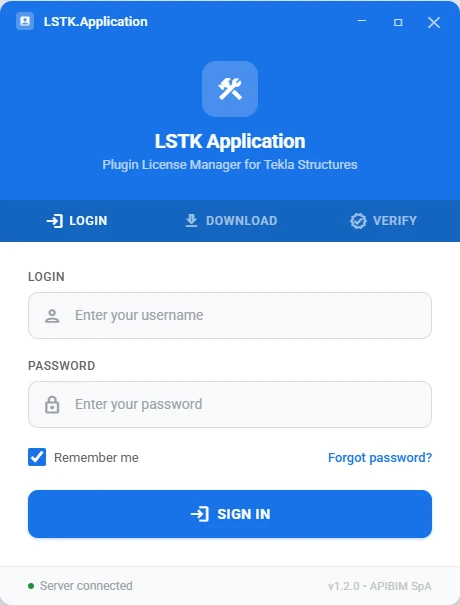
A WPF desktop application through which users authenticate and download the plugin. At the moment of download it transmits the hardware key of that machine, the motherboard serial number, to the server.
Build and protection engine
On each download request the server runs a full build cycle: it compiles the plugin from source, encrypts it with server-side private keys, and calculates a hash checksum to prevent tampering. Every licensed copy is genuinely compiled for its user rather than stamped out of one shared binary. The output is an encrypted assembly bound to one machine with a defined expiration date.
LGSF licensing system — architecture
How it works
From a user account to a working plugin, the whole path is five steps:
Admin creates a user account
The administrator registers the user in the Blazor admin panel and assigns a license type and duration.
User logs in through the LSTK application
The user opens the desktop app, enters their credentials, and authenticates against the server.
Download triggers license generation
When the user clicks Download, the app sends the hardware serial key of the computer to the server, which builds, encrypts, and signs the plugin, creating a copy unique to that machine.
Plugin installs into Tekla Structures
The encrypted plugin is placed directly into the correct Tekla Structures directory. It runs only on that computer, and only for the allotted period.
Renewal through re-download
When the license expires the user clicks Download again in the LSTK application. If the administrator has approved the renewal, a fresh licensed copy is generated.
LGSF licensing step-by-step flow
Result
The plugin went from a file on a flash drive to a controlled, distributable software product. After the first month of use:
External contractors get the same tool as the in-house team, with no risk of IP exposure.
Every copy is cryptographically bound to one machine and expires on its own.
All licenses are managed from a single admin interface: who has access, on which device, and until when.
Onboarding a contractor is an account and a download, not a negotiation about trust.
+15%
Engineering capacity
10
Hours of onboarding saved
Technologies
Windows Server with IIS
C#
Blazor Server
WPF
Tekla Open API
Other Cases
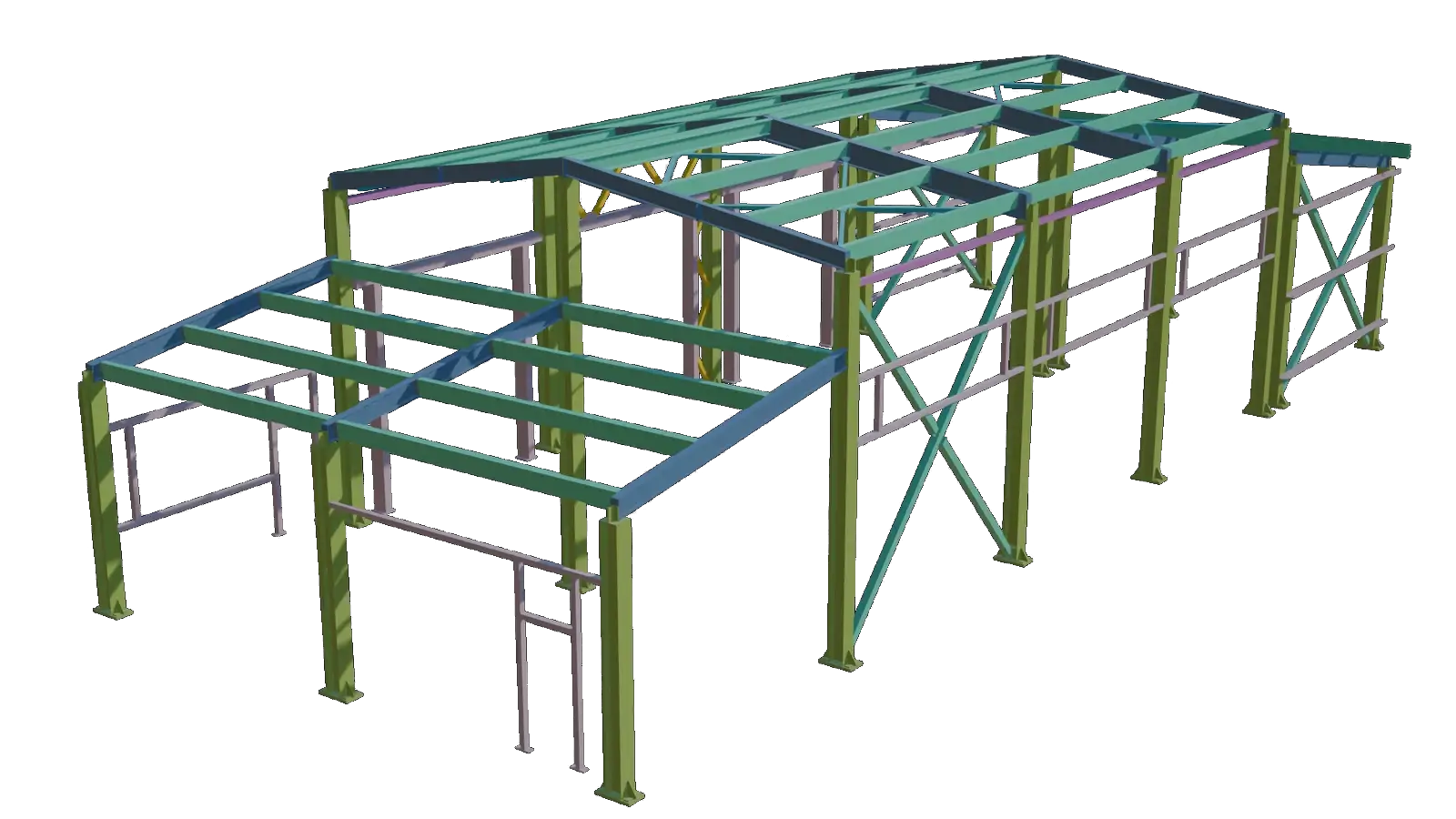
From manual modeling to data-driven steel frame design
How we replaced a 3-5 day manual BIM workflow with automated model generation from structural analysis data - cutting modeling time by over 90% and eliminating discrepancies between analysis and design
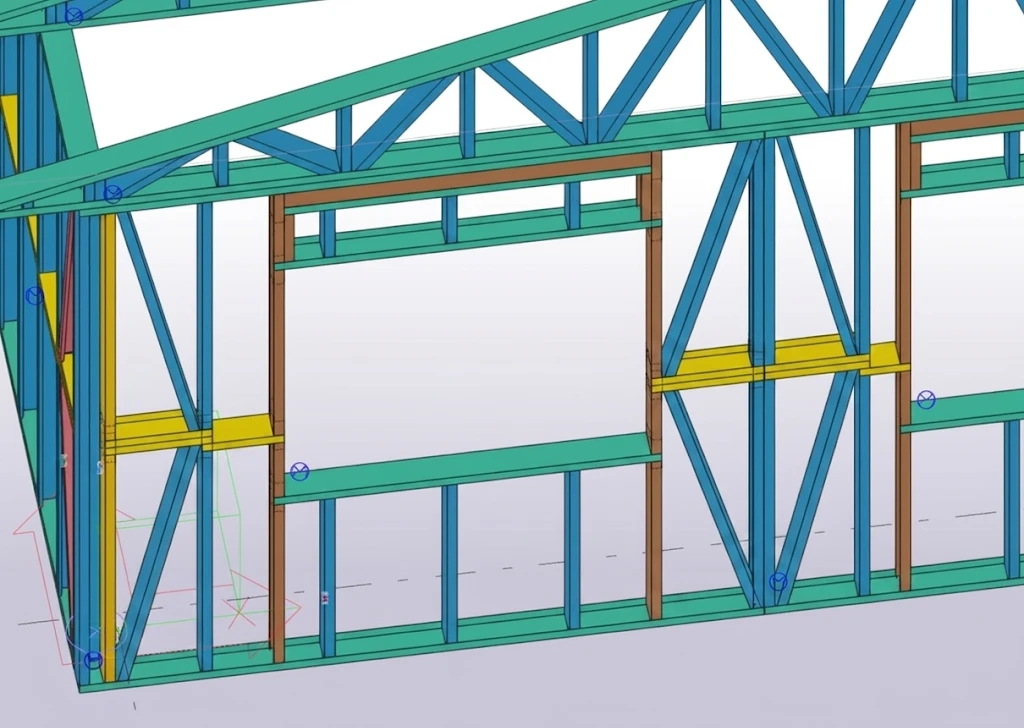
From manual modeling to automated LGSF design
A light-gauge steel framing company was still designing panels in 2D CAD while fabrication needed LOD 500. We turned their design rules into a set of Tekla plugins
Find out where you're losing time and money right now